The Art of Realistic 3D Text Effects: From Concept to Eye-Catching Design
In today's visually saturated digital landscape, grabbing and holding attention is more challenging than ever. Among the most powerful tools in a designer's toolkit is the realistic 3D text effect—a technique that transforms flat, two-dimensional letters into lifelike, dimensional forms that seem to leap off the screen or page. Whether you are creating a logo, a social media graphic, a video intro, or a website banner, mastering this effect can elevate your work from ordinary to unforgettable. This article explores the fundamentals of realistic 3D text, its practical applications, the common techniques used to create it, and how you can begin applying it to your own projects.
What Exactly Is a Realistic 3D Text Effect?
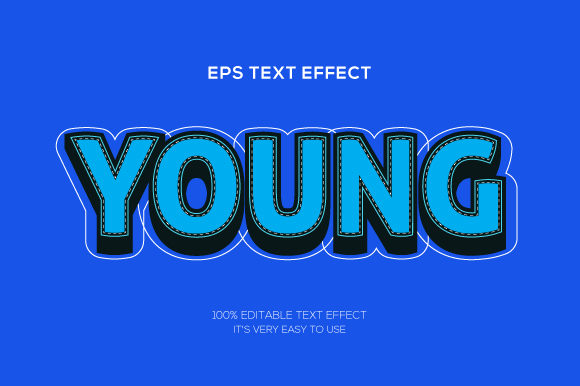
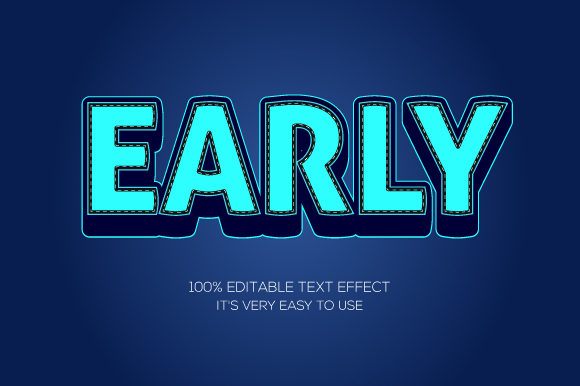
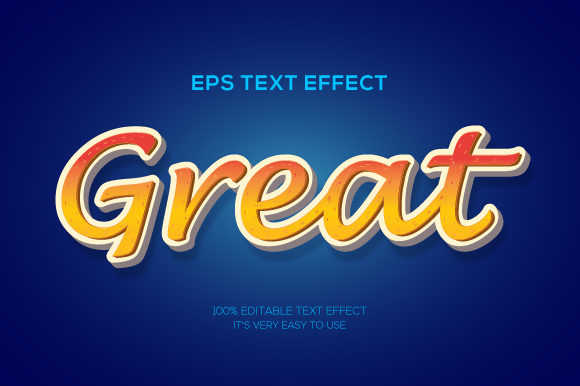
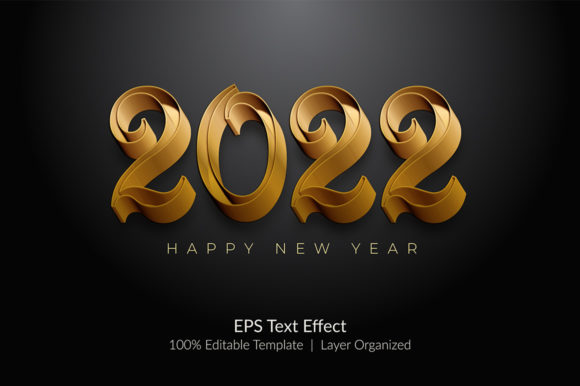
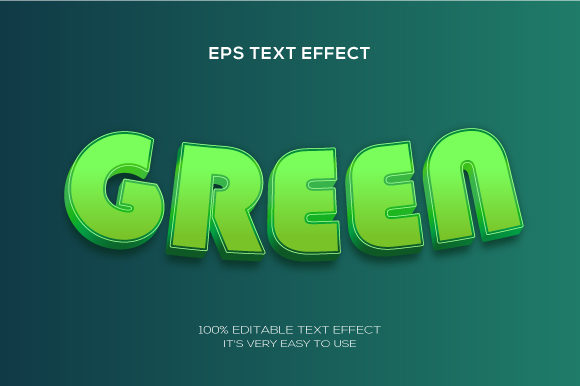
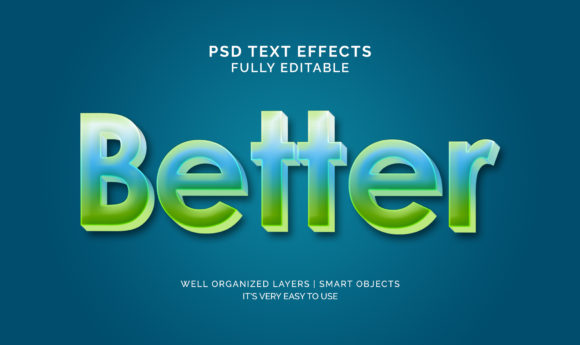
At its core, a realistic 3D text effect is the process of making text appear three-dimensional through the simulation of depth, lighting, shadow, and perspective. Unlike simple drop shadows or basic bevels, a realistic effect aims to mimic how physical objects behave in the real world. This means accounting for light sources, material properties (such as metal, plastic, or glass), environmental reflections, and even subtle details like ambient occlusion or subsurface scattering.
The goal is not just to add depth, but to create believability. When done well, the viewer instinctively feels that the letters have physical mass—that they could be touched, rotated, or cast shadows onto a surface. This illusion is what makes 3D text so compelling and effective in visual communication.
Why Realistic 3D Text Matters in Modern Design
The significance of realistic 3D text extends well beyond mere aesthetics. In a world where first impressions are formed in milliseconds, depth and dimensionality signal quality, professionalism, and attention to detail. Consider how often major brands use dimensional text in their logos (think movie titles, game logos, or tech company wordmarks). The effect conveys innovation, solidity, and modernity.
Realistic 3D text also plays a critical role in user engagement. On websites and social media, dimensional text naturally draws the eye more effectively than flat text because our brains are wired to notice objects that appear tangible. This can increase click-through rates, improve brand recall, and make calls-to-action more noticeable. In video content—such as YouTube intros or motion graphics—3D text adds a cinematic quality that helps creators stand out in crowded feeds.
Key Principles Behind the Illusion
To create or evaluate realistic 3D text, it helps to understand the core visual principles at work:
- Lighting and shading: Light hits surfaces at different angles, creating highlights and shadows that define form. A single, consistent light source is essential for realism.
- Depth and extrusion: The "thickness" of the letters (the extrusion) must feel consistent. Bevels, chamfers, and rounded edges mimic real-world manufacturing.
- Perspective and angle: Isometric, one-point, or two-point perspectives change how the text sits in space. Even subtle perspective shifts add credibility.
- Material and texture: Metals reflect sharply, plastics diffuse light, and glass refracts. Matching the material to the context (e.g., a sleek tech company vs. a playful brand) is key.
- Shadows and environment: Drop shadows, contact shadows, and reflections ground the text in its environment. Without them, the text floats unrealistically.
Practical Applications Across Industries and Contexts
Realistic 3D text is not limited to graphic designers or animators. Its reach spans numerous fields, each benefiting from the added impact of dimensionality.
Branding and Logo Design
Many of the world's most recognizable logos use subtle or bold 3D text effects. Think of the Sony "Xperia" mark, the "NASA" logotype, or the "PlayStation" emblem. These designs use depth to suggest innovation, durability, and forward-thinking. For small businesses and startups, a well-crafted 3D text logo can create a perception of established credibility without requiring a massive budget.
Digital Marketing and Social Media
In the fast-scrolling environment of platforms like Instagram, TikTok, and LinkedIn, static flat text often gets overlooked. Dimensional text—especially with metallic, neon, or glass finishes—catches the eye and encourages users to stop and read. Influencers and brands frequently use 3D text overlays for promotional posts, announcements, and quote graphics to increase engagement rates.
Video Production and Motion Graphics
From YouTube intros to corporate explainer videos, 3D text adds a professional sheen. Software like Adobe After Effects, Blender, and Cinema 4D allows creators to animate text—rotating, revealing, or morphing it—while maintaining realistic lighting and shadows. This is why many high-end video openers feel cinematic: the text behaves like a physical object in a three-dimensional space.
Web and UI Design
While flat design remains popular for user interfaces, realistic 3D text is making a comeback in hero sections, landing pages, and gamified experiences. Using CSS 3D transforms, SVG filters, or WebGL, developers can render dimensional text directly in the browser without heavy image files. This approach keeps pages lightweight while delivering visual impact.
Techniques and Tools for Creating Realistic 3D Text
Whether you are a complete beginner or a seasoned designer, there are multiple pathways to achieve realistic 3D text. The right method depends on your skill level, software access, and project requirements.
Using Dedicated 3D Software (High-End Realism)
Programs like Blender (free and open-source), Cinema 4D, or Maya offer the highest level of control. In these environments, you can model text geometry accurately, apply physically based rendering (PBR) materials, set up multiple lights, and even simulate global illumination. The result can be photorealistic, suitable for print ads, film titles, or product mockups. The learning curve is steeper, but the creative freedom is unmatched.
Using Photoshop or Illustrator (Accessible and Fast)
Adobe Photoshop and Illustrator provide built-in 3D tools that are far more approachable for beginners. Photoshop’s 3D workspace allows you to extrude text, apply bevels, and adjust lighting in real time. While not as photorealistic as dedicated 3D apps, these tools are perfect for social media graphics, web banners, and presentations. Many free and premium Photoshop layer styles (such as "metallic gold" or "glass") can achieve convincing results with just a few clicks.
Using Online Generators and Templates (Zero Learning Curve)
For those who need results quickly without learning complex software, online 3D text generators (like TextStudio, MockoFUN, or Canva with 3D text plugins) offer pre-built templates. You type your text, choose a style, and download a high-resolution PNG. This approach is excellent for one-off projects or non-designers, but it limits customization and originality.
Code-Based Approaches (CSS and WebGL)
For web developers, CSS 3D transforms allow text to be rotated, scaled, and positioned in three-dimensional space without images. Libraries like Three.js or CSS3D enable advanced effects—such as reflective text that responds to mouse movement—while keeping the content fully text-based and SEO-friendly. This is ideal for interactive landing pages or portfolio sites.
Common Misunderstandings and Pitfalls
As with any design technique, there are frequent mistakes that can undermine the realism of 3D text. Understanding these will save you time and frustration.
- Inconsistent lighting: Using multiple conflicting light directions (e.g., a highlight on the top-left and a shadow on the top-left) breaks the illusion. Always keep your light source consistent.
- Overdoing effects: Adding too many bevels, reflections, or glow effects can make text look gaudy rather than realistic. Sometimes, simplicity is more convincing.
- Ignoring the environment: Text that floats without a ground shadow or environmental reflection will never look truly 3D. Always consider what surface the text sits on or what background surrounds it.
- Using low-quality materials: Reusing the same generic metallic gradient across all projects leads to a "template" look. Study real materials—gold, chrome, frosted glass—and try to replicate their specific light behavior.
- Forgetting readability: The most dramatic 3D text is useless if viewers cannot read the message. Ensure contrast, size, and letter spacing remain legible, especially on mobile screens.
How to Start Creating Your Own Realistic 3D Text Today
If you are ready to try this effect yourself, the best advice is to start small and focus on one principle at a time. Here is a simple workflow to get started using free tools:
- Choose your text: Pick a short word or phrase (2–4 letters) to minimize complexity.
- Download Blender (free) or open Photoshop if you have access.
- Create an extrusion: In Blender, convert text to a mesh and extrude it to give it thickness. In Photoshop, use the 3D panel to extrude your text layer.
- Add a single light source: Position one key light above and to the left or right. Observe how highlights and shadows fall on the letters.
- Apply a simple material: Use a matte or slightly glossy finish first. Avoid complex reflections until you understand how light behaves.
- Add a ground plane and shadow: This grounds the text and makes it feel present in a space.
- Render and evaluate: Look at your result critically. Does it look like a physical object? What breaks the illusion? Adjust one variable at a time.
The Future of 3D Text in a Dynamic Digital World
As technology evolves, so too do the possibilities for dimensional typography. Augmented reality (AR) and virtual reality (VR) are pushing text beyond the screen, allowing users to walk around letters and interact with them in real space. Meanwhile, real-time rendering engines like Unreal Engine and Unity are making cinematic-quality 3D text accessible for games, apps, and live broadcasts. The trend points toward text that is not just realistic, but responsive—adapting to lighting, movement, and user input in real time.
For designers, developers, and content creators, investing time in understanding realistic 3D text effects is not just about keeping up with trends. It is about mastering a fundamental visual language that bridges the gap between flat communication and tangible experience. When text looks real, it feels real—and that feeling is what builds connection with audiences.
Conclusion
Realistic 3D text effects are far more than a flashy gimmick. They are a powerful communication tool that leverages our innate perception of depth, light, and material to create memorable, engaging, and professional visual content. From branding and marketing to web design and film, dimensional text adds weight and presence to messages that might otherwise go unnoticed. By understanding the core principles of lighting, shading, perspective, and material, and by choosing the right tools for your skill level and project, you can harness this effect to elevate your creative work. Start experimenting with a simple word, focus on consistency and realism, and watch your text come to life.