Peach 3D Text Effect: A Complete Guide
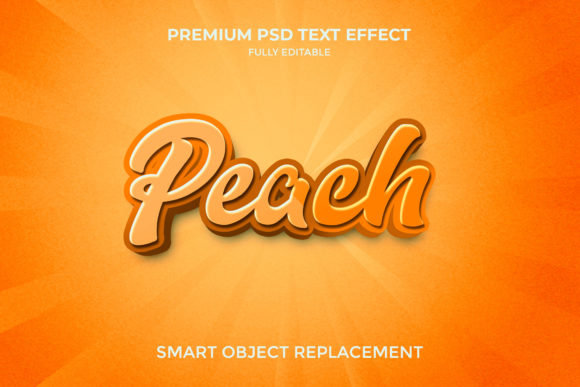
If you have browsed social media graphics, website headers, or product packaging lately, you have likely encountered the Peach 3D Text Effect – a style that combines a warm, peachy color palette (soft pinks, corals, subtle oranges) with lettering that appears to pop off the screen. This effect is not just a fleeting trend; it is a versatile design tool that can elevate everything from a personal blog banner to a professional brand logo. Whether you are a beginner exploring design for the first time or an experienced creator refining your visual identity, understanding this effect can help you make more informed choices for your projects.
What Exactly Is the Peach 3D Text Effect?
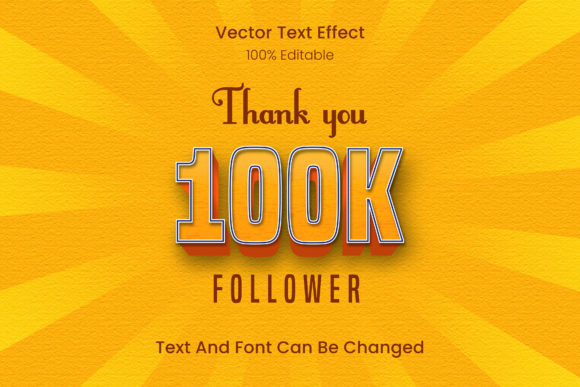
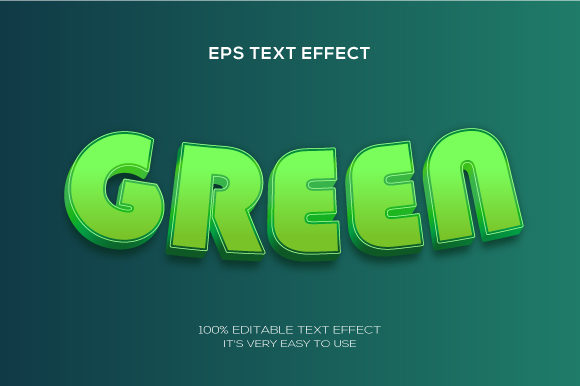
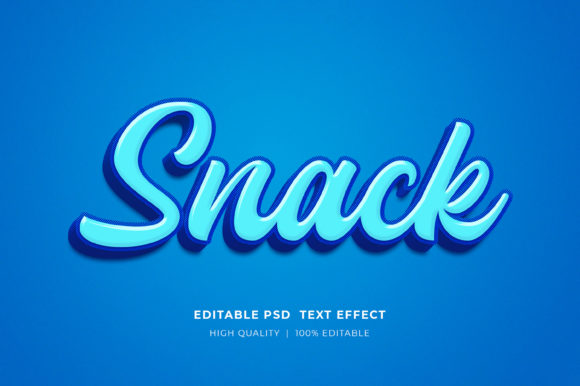
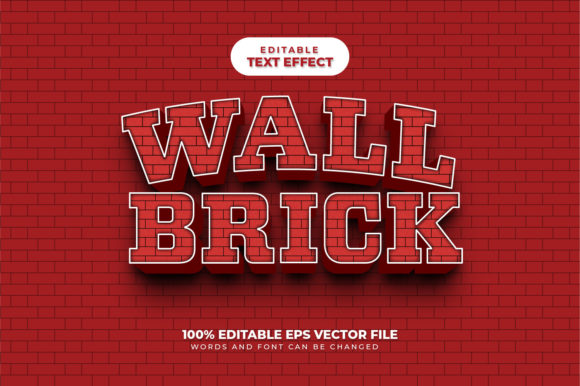
At its core, the Peach 3D Text Effect refers to lettering that uses a peach-inspired gradient, shading, or lighting to simulate depth, while the color scheme stays within the warm, fruity range. The 3D element can be achieved through software such as Adobe Photoshop, Illustrator, or even simpler online tools like Canva or Photopea. The effect often involves bevels, extrusions, drop shadows, and highlight layers that together create the illusion that the text is physically raised from the background. What sets the peach version apart is its color psychology – peachy tones evoke warmth, creativity, and approachability, making the 3D effect feel less aggressive and more inviting than, say, a metallic silver or neon variation.
Different Software, Different Approaches
The way you create a Peach 3D Text Effect depends heavily on your tool of choice. In vector-based programs like Illustrator, you might apply 3D extrude and bevel effects to a text object, then apply a peach gradient. In raster-based editors like Photoshop, you could use layer styles such as bevel and emboss, inner shadow, and gradient overlay. For those who prefer no-install solutions, online platforms offer ready-made peach 3D text templates that let you swap your own words in seconds. Each method serves a different audience: a professional marketer needing quick mockups may lean on templates, while a graphic designer seeking full control will invest time in custom layer effects.
Why Different Audiences Care About This Effect
The Peach 3D Text Effect matters for different reasons depending on your role and goals. A small business owner might see it as a cost-effective way to make a logo stand out without hiring a designer. A hobbyist scrapbooker could use it to add flair to digital invites. An educator teaching design principles might use the effect as a case study for color theory, lighting, and composition. Let’s explore how specific groups evaluate and use this effect.
Beginners: Ease of Use and Learning Value
If you are new to design, the Peach 3D Text Effect is an excellent starting point. Because peach tones naturally blend well and are forgiving to mismatched shades, beginners often achieve pleasing results even without deep color knowledge. Many online tutorials walk you through step-by-step processes in free software. For instance, you can open Canva, type your name, choose a peach-colored 3D text template, and adjust the text to see immediate depth changes. The learning value here is high: you grasp concepts like layers, shadows, and gradients without complex jargon. The main priority for beginners is ease of use and affordability. A $0 tool with built-in 3D effects can produce results that feel professional enough for social media profiles or simple flyers.
Experienced Creators and Professionals: Quality and Flexibility
For seasoned designers, the Peach 3D Text Effect offers a playground for advanced techniques. Rather than relying on presets, professionals might build the effect from scratch using custom bevel paths, multi-layered highlights, and subtle ambient occlusion. They care about flexibility and quality – the ability to control every angle of light, the depth of extrusion, and the exact hex values of peach tones. In a branding project, for example, a designer might create a peach 3D wordmark that scales from a favicon to a billboard without losing legibility or color integrity. Speed also matters when working under client deadlines. Professionals often develop reusable action sets or scripted effects that apply the peach 3D style with a single click, balancing creativity with efficiency.
Marketers, Bloggers, and Small Business Owners: Commercial Value and Presentation
For those who use text effects primarily for promotion, the Peach 3D Text Effect brings tangible commercial value. A bright, dimensional heading on a landing page can increase click-through rates by drawing the eye naturally. Bloggers might use the effect for post titles to establish a recognizable visual brand. Small business owners might apply it to product labels or sale banners. Their priorities are speed, cost-effectiveness, and the ability to update text quickly. A restaurant owner, for example, could use a peach 3D text template to create daily specials graphics for Instagram without hiring a designer. The effect’s warmth aligns well with food, beauty, and lifestyle industries where peach tones communicate freshness and friendliness.
Educators and Freelancers: Teaching and Portfolio Building
Educators teaching graphic design can use the Peach 3D Text Effect as a multi-lesson topic. One class might cover color selection in the peach range, the next focuses on bevel techniques, and later a session on lighting and shadows. The effect’s visual appeal keeps students engaged while teaching foundational 3D concepts. Freelancers, on the other hand, often add a peach 3D piece to their portfolio to demonstrate versatility. Since the effect can look modern yet approachable, it appeals to clients in creative fields. Freelancers evaluate the effect based on how well it showcases their technical skill and whether it can be adapted to different client needs quickly.
Practical Examples Across Different Project Types
To see how the Peach 3D Text Effect works in real contexts, consider these scenarios:
- Social Media Graphics: A freelance food blogger uses a peach 3D effect for recipe titles. The text pops over a soft pastel background, making the post instantly recognizable in a crowded feed.
- E-commerce Product Labels: An online candle seller applies a subtle peach 3D effect to the product name on packaging mockups. The dimensional text catches buyers’ eyes during quick scrolling.
- Educational Materials: A high school art teacher creates a worksheet showing the step-by-step process of making 3D text with peach tones. Students follow along using free online software.
- Personal Projects: A hobbyist designs a birthday invitation for a friend using a peach 3D header. The effect adds a celebratory feel without requiring advanced skills.
Key Factors to Consider Before Using the Effect
Before you decide whether the Peach 3D Text Effect suits your project, evaluate these dimensions based on your goals.
Ease of Use vs. Customization
Highly automated tools (templates, preset filters) offer quick results but limited control. If you need a one-off graphic and have no design background, ease of use wins. If you plan to use the effect repeatedly and want it to align perfectly with a brand guide, invest time in learning custom creation. The Peach 3D Text Effect can be as simple as a drag-and-drop template or as complex as a multi-layer Photoshop project. Identify which end of the spectrum matches your skill level and time budget.
Cost Considerations
Free tools like GIMP, Photopea, and Canva’s free tier include basic 3D text capabilities. Premium software like Adobe Creative Cloud offers more advanced options but requires a subscription. Additionally, some marketplaces sell Peach 3D Text Effect asset packs (fonts, layer styles, mockups) for a one-time fee. For a beginner or hobbyist, free options are perfectly adequate. For a professional building a consistent brand, the investment in robust tools often pays off through efficiency and output quality.
Reliability and Long-Term Usefulness
Peach tones are relatively timeless compared to neon brights or pattern-heavy styles. However, the 3D trend has evolved – from the heavy chrome of the early 2000s to the soft, flat-influenced dimensional styles of today. The Peach 3D Text Effect, with its warm and gentle color palette, tends to age well because it mimics natural light on soft surfaces. If you are designing something that should remain relevant for several years (like a logo or a website header), this effect is a safer choice than extreme styles. For short-term campaigns (seasonal sales, event posters), you can be bolder with depth and saturation.
How to Decide If This Effect Matches Your Needs
Ask yourself a few questions:
- What is the primary platform? For print (flyers, packaging) you need high resolution and may need to consider ink coverage of peach tones. For screen (social media, web), RGB colors and compression matter.
- Who is the audience? Peach tones appeal to a wide demographic but skew slightly feminine and youthful – evaluate if that aligns with your brand voice.
- How much time can you invest? If you need ten variations per week, a template-based workflow is essential. If you are crafting a single key visual, manual creation allows uniqueness.
- What is your budget? Zero-cost solutions exist, but they may limit export options or add watermarks. Compare the value of a premium tool against the time saved.
These considerations help you move from “I like how this looks” to “This effect will perform a specific job for my project.” Whether you are a marketer seeking higher engagement, a designer aiming for portfolio diversity, or a consumer wanting a personalized gift, the Peach 3D Text Effect offers a balance of warmth, depth, and accessibility that few other color-based 3D effects provide.
Final Thoughts: Making the Effect Your Own
No single tool or technique works for everyone. The Peach 3D Text Effect is a starting point – you can tweak the color warmth, add metallic sheen, combine it with matte textures, or animate it for video. The most successful applications come from understanding your own priorities. If you value speed and consistency, a template-based approach is legitimate and effective. If you value originality and control, building the effect from scratch will give you a unique asset. Either way, the peach palette’s natural softness ensures the result feels inviting and modern. As you experiment, remember that the best text effect is one that communicates your message clearly while delighting the viewer. The Peach 3D Text Effect does exactly that, whether you are creating for business, education, or pure creative pleasure.